 Remote Mirror
Zoom in.
Text stays sharp.
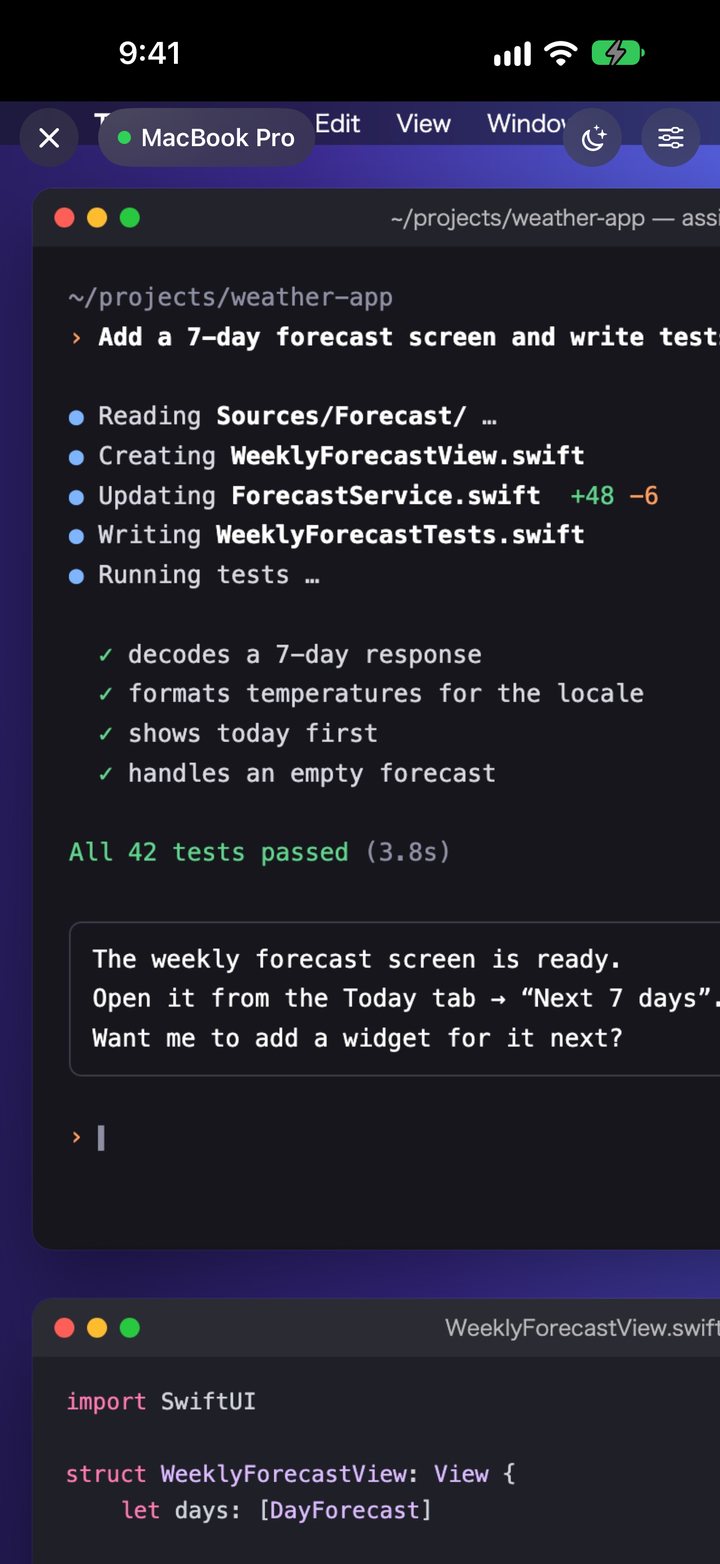
Pinch to zoom, and just the part you’re looking at is sent in high resolution. Even tiny Terminal text stays readable.
REMOTE MIRROR
Step away from your desk, and your Mac’s screen comes with you on iPhone and iPad. Check on work you’ve handed to an AI or type a few words — right where you are.
Free download. Try connecting to your Mac free for 3 days.
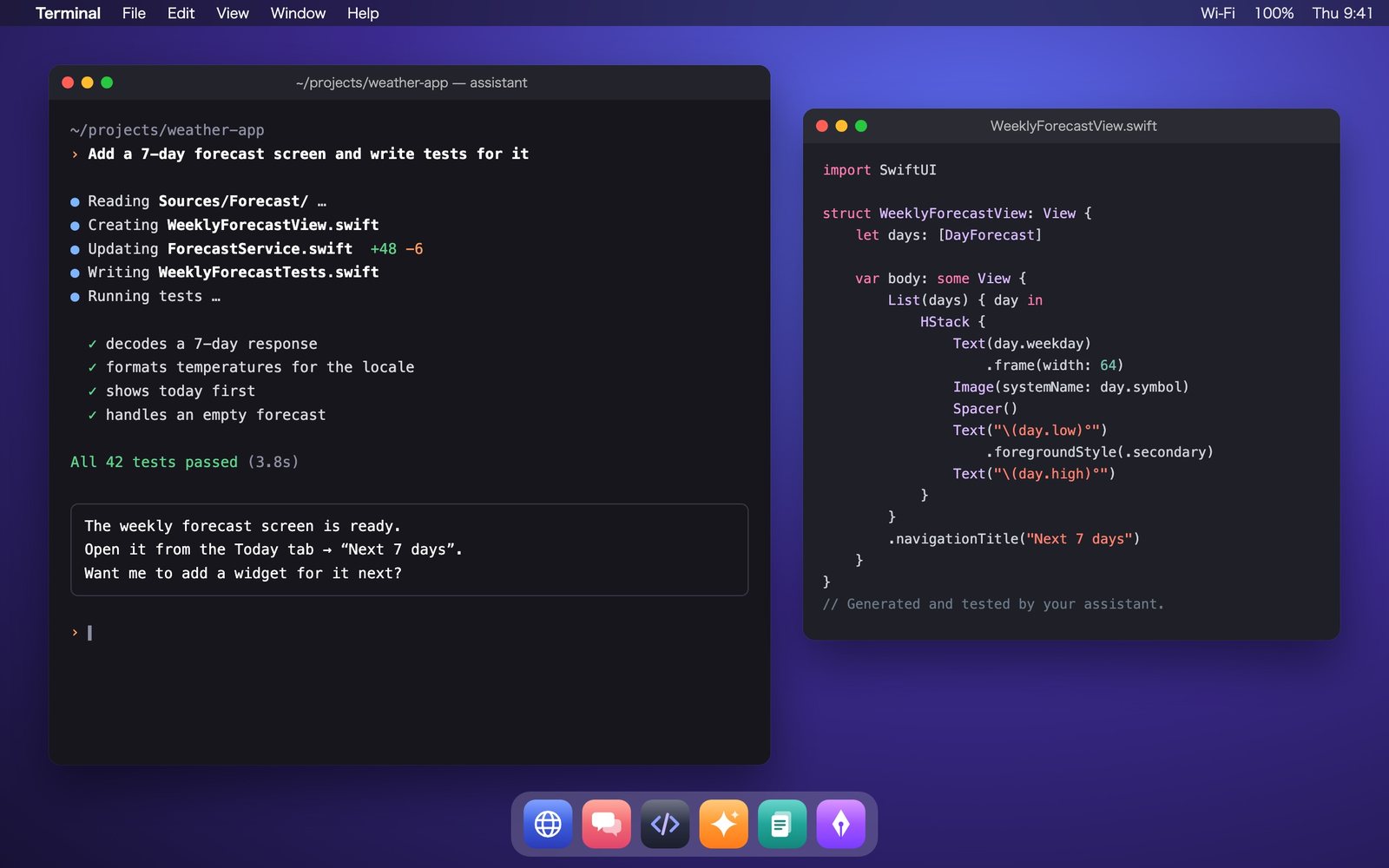
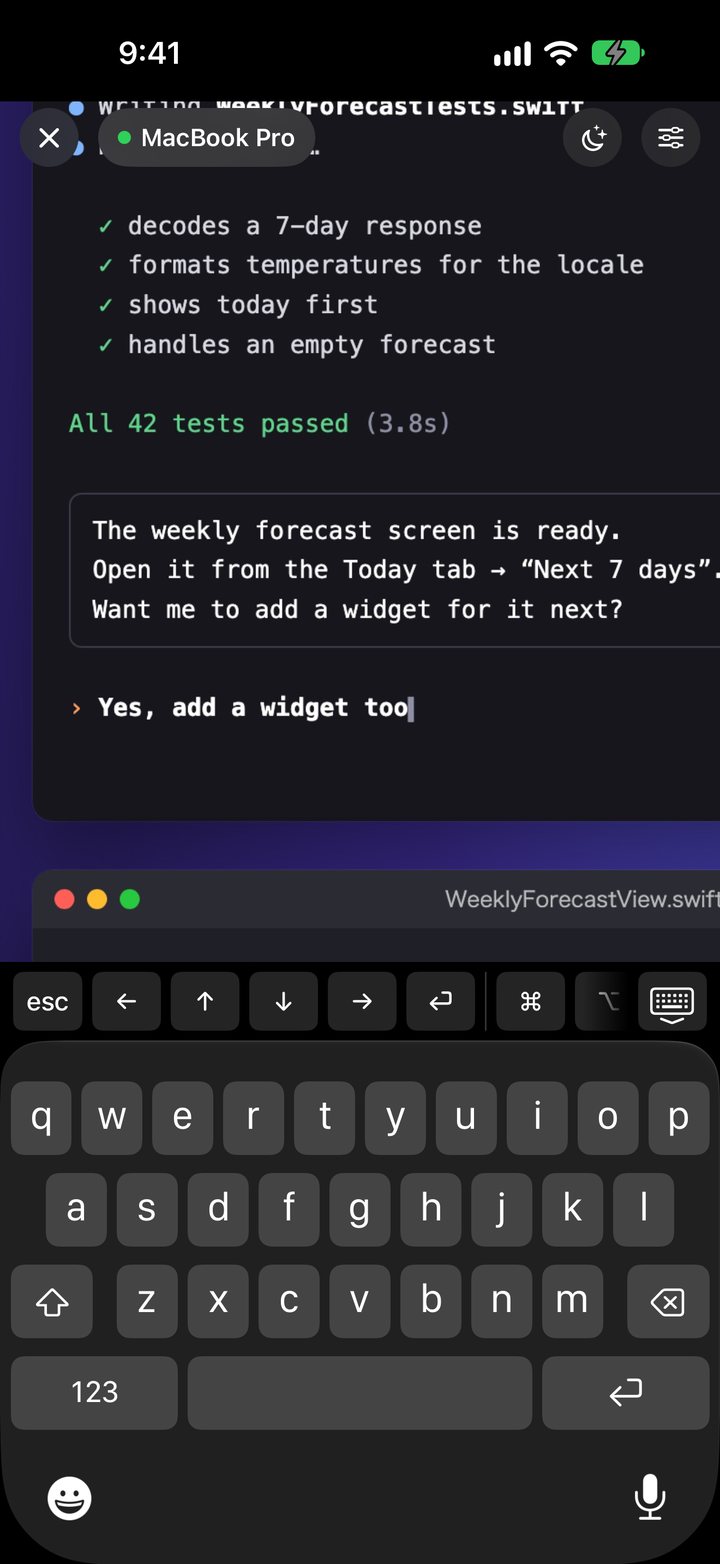
Type on your iPhone. It appears on your Mac.
See it, touch it, type on it. Do almost anything on your Mac from the device in your hand.
Pinch to zoom, and just the part you’re looking at is sent in high resolution. Even tiny Terminal text stays readable.
A keyboard with modifier and special keys, so your usual shortcuts just work.
Tap a text field and the keyboard opens. What you type — including Japanese, Chinese and Korean input — and keyboard dictation go straight to your Mac.
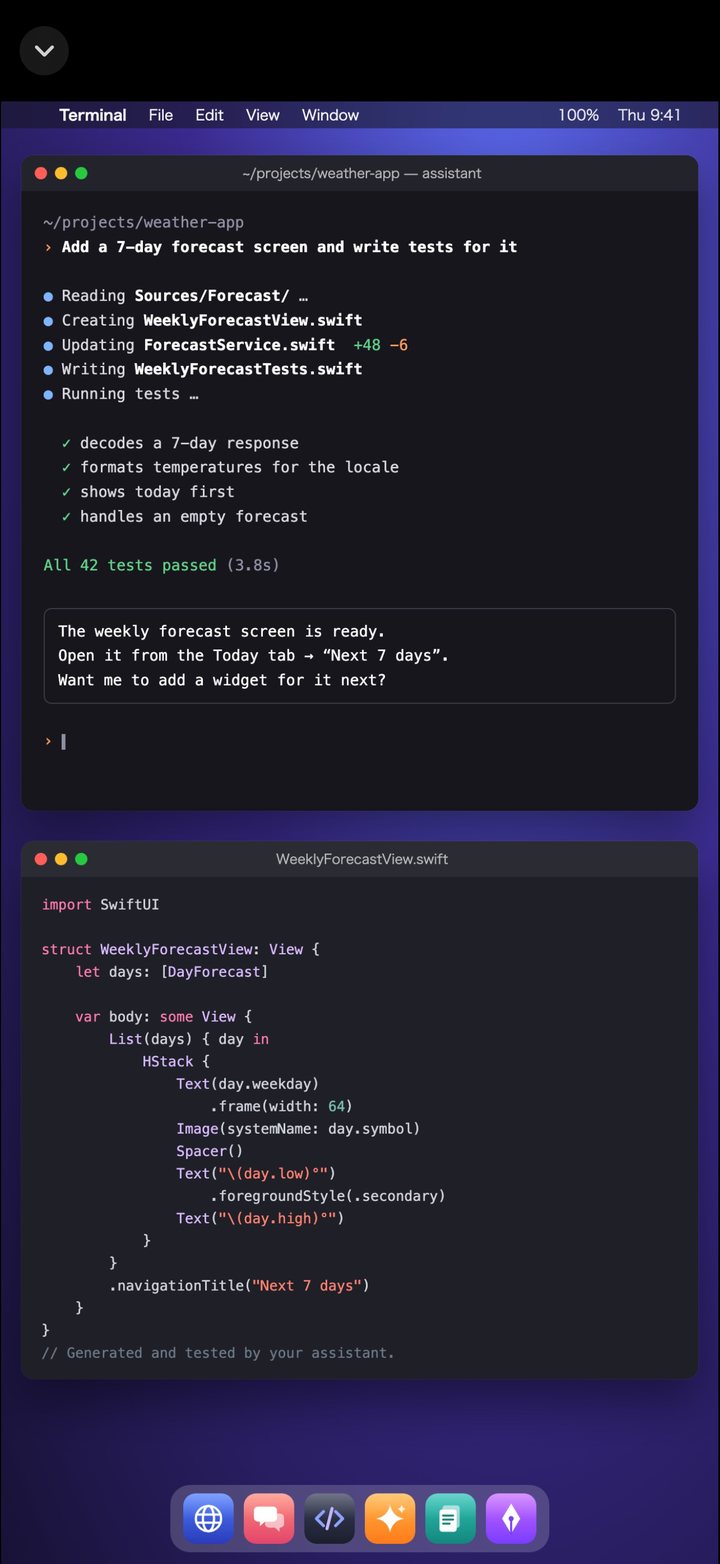
Your Mac’s desktop is fitted to your device’s aspect ratio. Windows that would spill over are tidied up automatically, even when you switch desktops. Works on iPad, too.
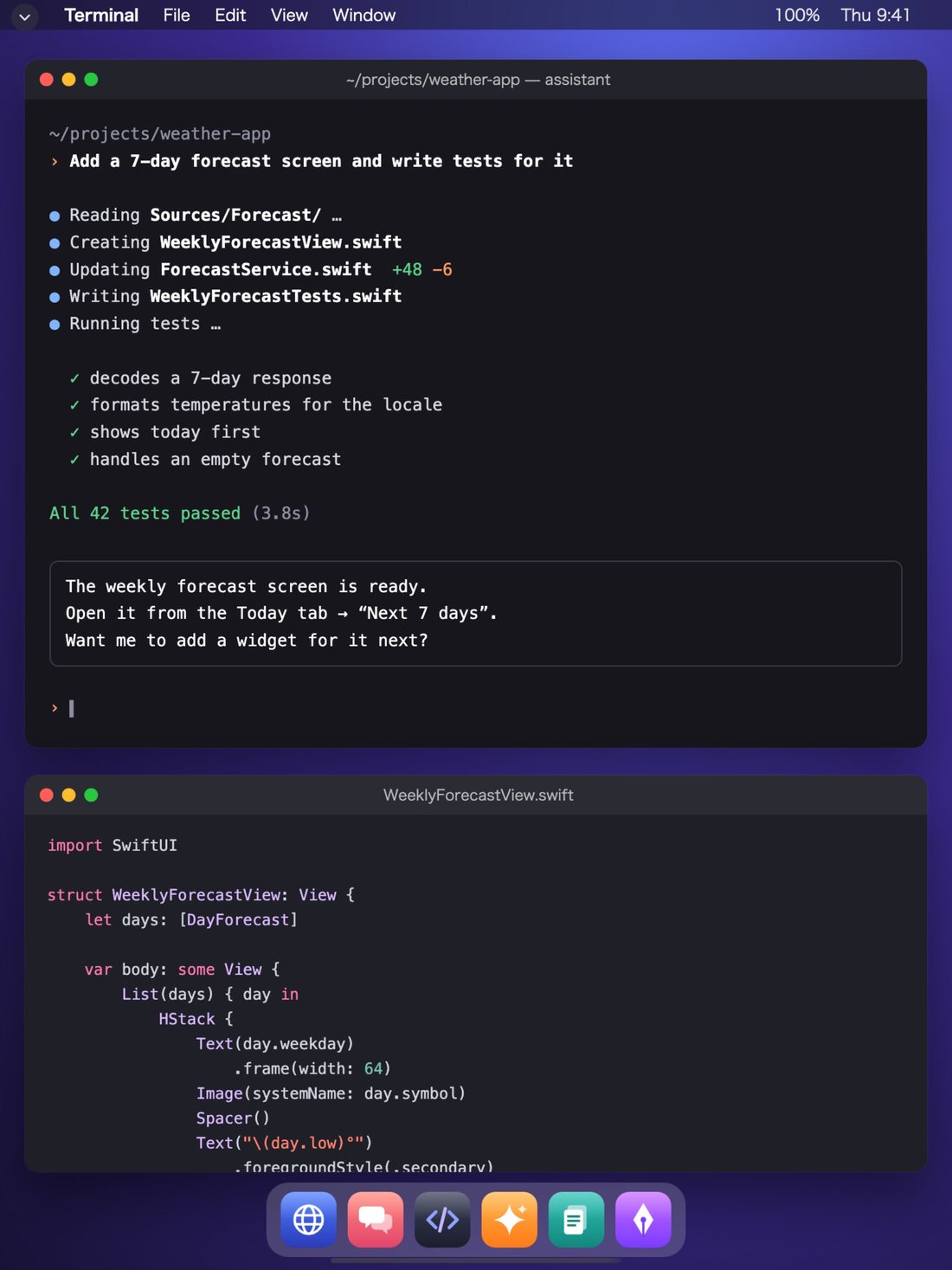
Saves power and helps prevent screen burn-in. Touch your Mac’s keyboard or mouse and it’s back instantly.
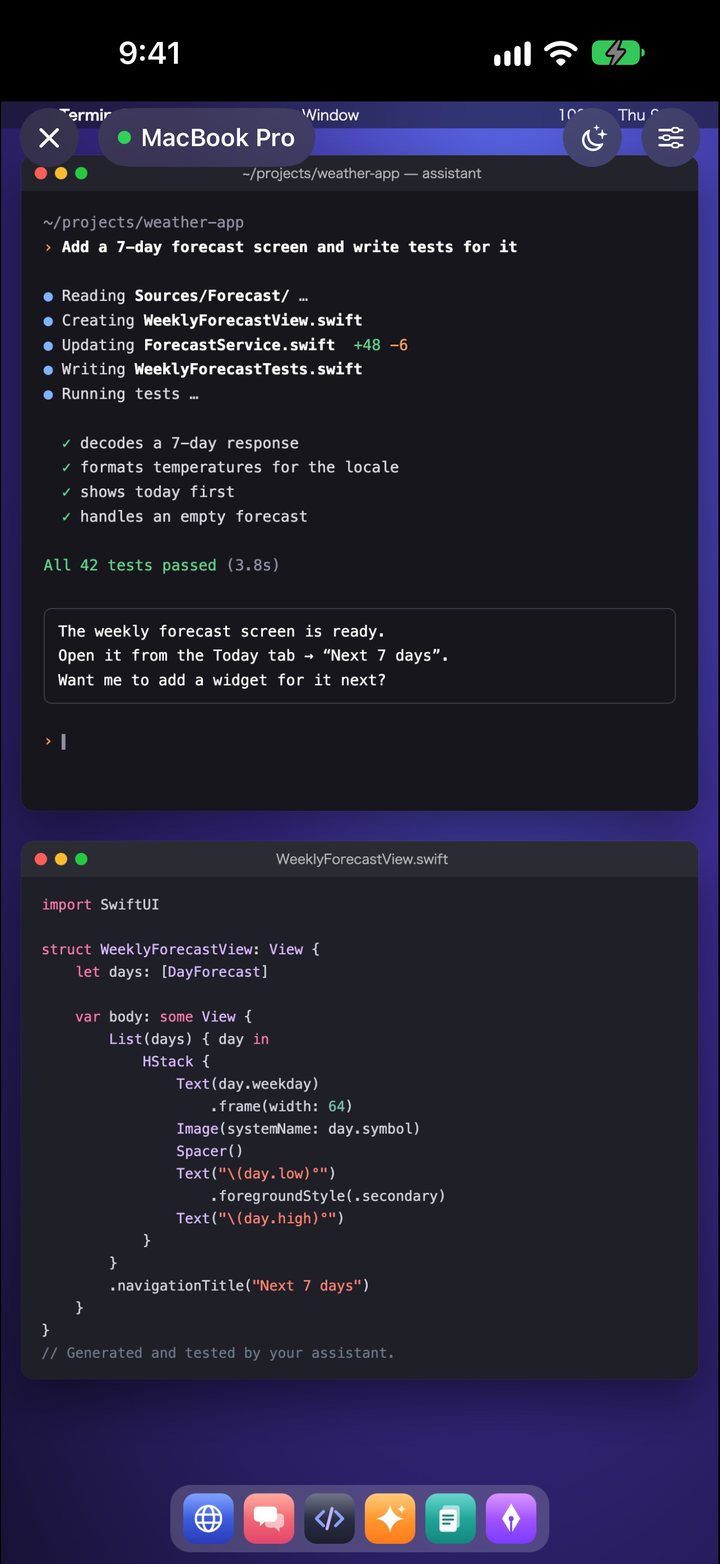
Remote Mirror finds your Mac through iCloud and connects to it directly, without going through our servers. Just sign in to iCloud with the same Apple Account on your Mac and iPhone, and connect once on the same Wi‑Fi network.
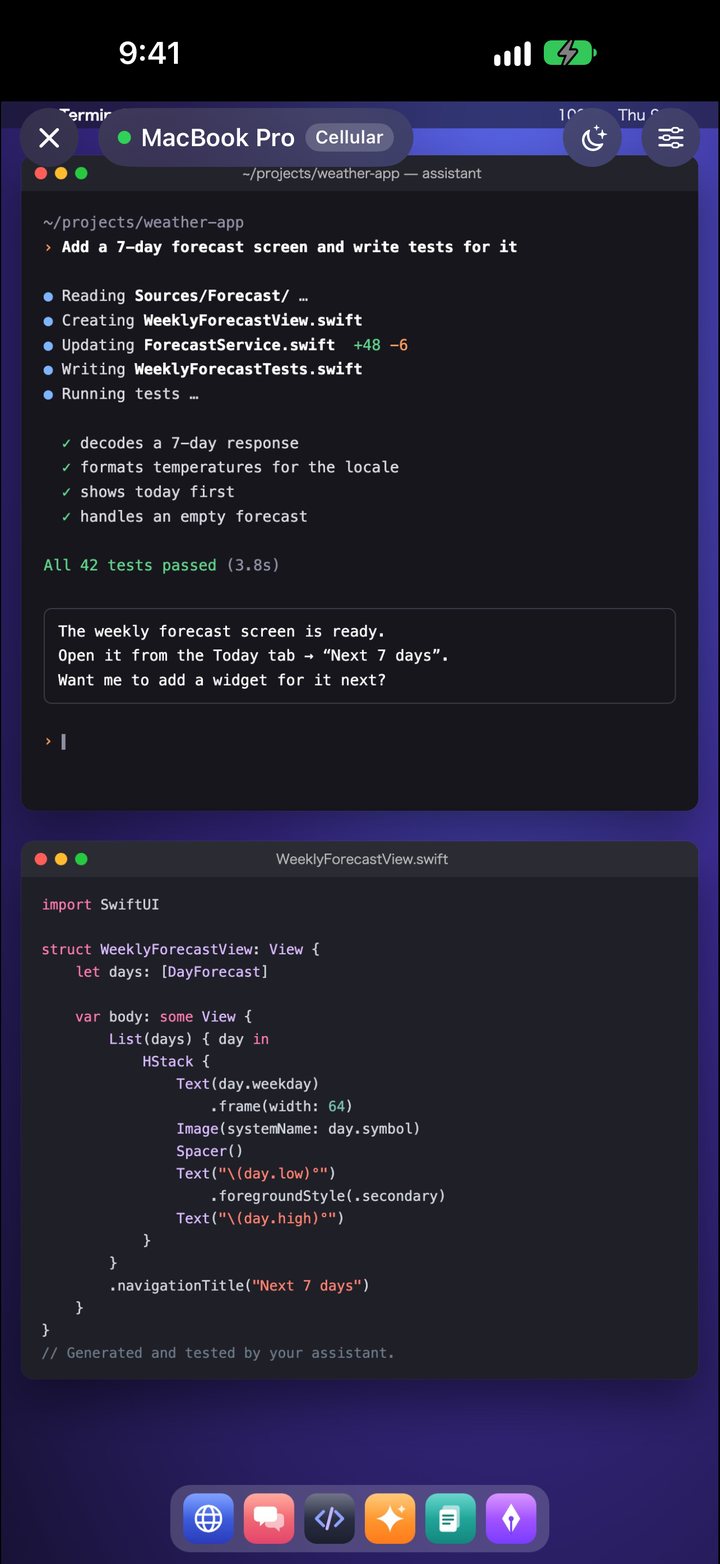
Only the parts of the screen that change are sent, so it uses less data and responds faster.
Only the blue areas are sent (example)
The in-app Demo lets you get a feel for it anytime, for free. No account needed.
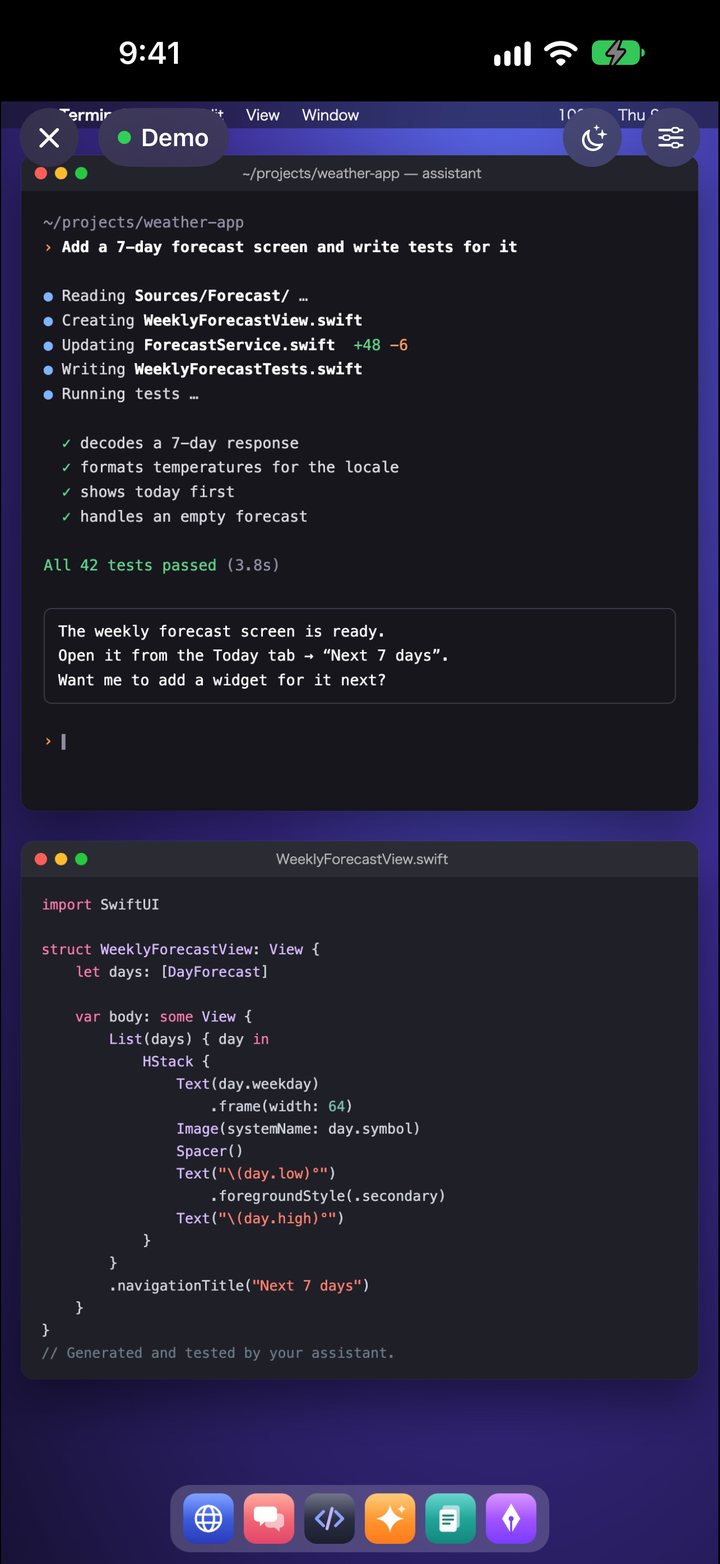
Both the app and the Mac app appear in your device’s language.
日本語 · English · Deutsch · Español · Français · Italiano · 한국어 · Bahasa Melayu · Português (Brasil) · ไทย · Українська · 简体中文 · 繁體中文
Install one app on your Mac and enter a PIN. That’s it.
Download the free “Remote Mirror Host” and move it to your Applications folder.
Just once, allow these in System Settings on your Mac. They let the app show your screen and deliver your clicks and typing.
Enter the 6-digit PIN shown in your Mac’s menu bar, and you’re connected.
Your screen and keystrokes travel between your Mac and your device, encrypted the whole way.
All communication is encrypted with a key derived from the PIN shown on your Mac.
Even over cellular, it connects directly to your Mac. Connection details are stored only in your own iCloud.
No account needed. We don’t collect any data. Privacy Policy
Downloading the app and the Demo are free. Try connecting to your Mac free for 3 days, then choose the plan you like.
Prices are shown in the App Store in your local currency.
Free: the app download, the Demo, and the Mac app “Remote Mirror Host”
Monthly and yearly plans are auto-renewing subscriptions. Unless canceled at least 24 hours before the end of the current period, they renew automatically at the same price. You can cancel in Settings > Apple Account > Subscriptions on your iPhone or iPad. You won’t be charged automatically when the free trial ends. Terms of Use (Apple Standard EULA)
Use the iPhone and iPad app together with the free Mac app.
iOS 17 or later · Free (offers in-app purchases)
Download on theApp StoreYou won’t be charged automatically. To keep using it, choose a monthly plan, a yearly plan or a one-time purchase. The Demo stays free after that, too.
Go to Settings > Apple Account > Subscriptions on your iPhone or iPad. If you switch to a new device, tap “Restore Purchases” on the app’s purchase screen.
No. It’s currently Mac only (macOS 14 or later).
Check that your Mac and your iPhone or iPad are signed in to iCloud with the same Apple Account, and that they’ve connected once on the same Wi‑Fi network. On public Wi‑Fi, such as in cafés, and on some networks, a direct connection may not be possible. In that case, turn off Wi‑Fi and try over cellular.
Two: “Screen & System Audio Recording” and “Accessibility.” They’re used to show your screen and to deliver clicks and typing from your iPhone or iPad to your Mac.
No. Neither the video nor your actions are saved on your Mac, on your device or by us.